


CorelDraw
₹ 1499
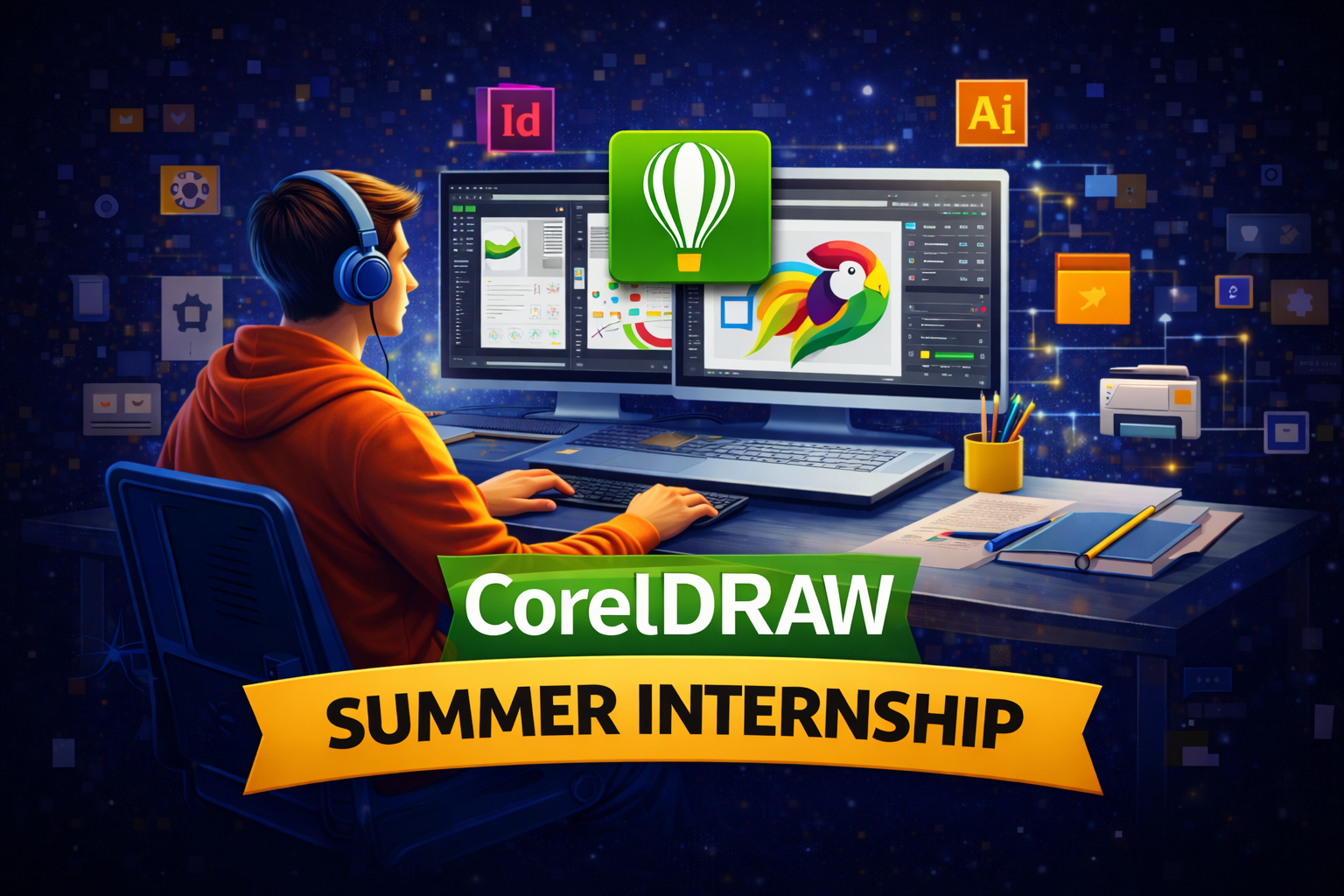
The CorelDRAW Summer Internship Course is a practical, skill-oriented program designed to help students and beginners master professional graphic design tools used in the industry. This internship focuses on hands-on training in CorelDRAW, covering logo design, brochure and flyer creation, visiting cards, banners, flex designs, and print-ready layouts. Participants work on real-world projects to understand color theory, typography, vector illustration, and branding concepts while gaining experience in designing for both digital and print media. Guided by industry experts, the course helps build a strong design portfolio, improves creativity, and enhances job-ready skills, making it ideal for students who want to start a career in graphic design or strengthen their visual communication expertise during the summer break.
Who We Are?
At Kiyan Training Institute, located in Vaishali Nagar, Jaipur, we are a career-focused learning hub dedicated to building real-world technical skills, with specialized training in the CorelDraw. Our mission is to bridge the gap between education and industry by offering practical, job-oriented training guided by experienced professionals. We emphasize hands-on projects, updated curricula, and personalized mentorship to help students gain confidence and workplace readiness. Whether you’re starting your career journey or upgrading your professional skills, our institute empowers you with the right knowledge, tools, and continuous support needed to succeed in today’s competitive digital landscape.Â
CorelDraw
This CorelDRAW Summer Internship Course is structured to bridge the gap between theoretical knowledge and real-world design requirements by emphasizing project-based learning. Students learn to create professional layouts, handle client-style design briefs, and follow industry standards for printing and branding. The internship also introduces practical workflows, file management, and export techniques used by design agencies and printing firms. By the end of the program, participants gain confidence in using CorelDRAW independently, develop problem-solving skills for design challenges, and become better prepared for freelance opportunities, internships, or entry-level roles in the graphic design industry.
Internship Highlights

Practical, industry-oriented training

Regular performance feedback & evaluation

Mentorship from experienced professionals

Skill development through live tasks & assignments

Internship certificate on successful completion

Hands-on experience with real-time projects
Overview
The CorelDRAW Summer Internship Course also focuses on developing creative thinking and professional design discipline required in today’s competitive market. Learners are trained to transform ideas into visually appealing designs while maintaining brand consistency and accuracy. The program includes regular practice sessions, design reviews, and expert feedback to improve quality and efficiency. With exposure to industry-relevant tools and techniques, students gain practical experience that enhances their confidence and employability, making this internship a valuable stepping stone for anyone aiming to pursue a successful career in graphic designing.
CorelDraw Highlights
Hands-on training with real-world design projects that help you master core and advanced CorelDRAW tools used in the creative industry.
Practical exposure to logo design, brochure design, visiting cards, flex banners, social media creatives, and print-ready artwork.
Step-by-step learning approach covering layout design, color theory, typography, vector illustration, and professional design techniques.
Guidance from experienced industry trainers who share practical tips, shortcuts, and best practices followed by professional designers.
Internship completion certificate and portfolio development support to showcase your designs confidently for jobs or freelance work.
Career-focused training with insights into printing standards, client requirements, and design workflows used in advertising and media industries.
CorelDraw Program Structure
Basics of graphic design and visual communication
Understanding design principles: balance, contrast, alignment, hierarchy
Overview of raster vs vector graphics
Introduction to CorelDRAW interface and tools
Workspace customization and shortcuts
Understanding toolbars, property bar, and dockers
Page setup, rulers, grids, and guidelines
Working with multiple pages
Basic shapes and shape editing
Bezier, Pen, Freehand, and Artistic Media tools
Node editing and curve control
Creating custom shapes and objects
Color theory and color modes (RGB, CMYK)
Applying uniform, fountain, and pattern fills
Outline styles, strokes, and effects
Using color palettes effectively
Artistic text vs paragraph text
Font selection and typography basics
Text formatting, alignment, and spacing
Text effects: envelopes, shadows, and contours
Grouping, aligning, and layering objects
PowerClip usage and masking techniques
Transparency, blend, drop shadow, and distort effects
Working with symbols and styles
Logo design fundamentals
Creating professional logos using CorelDRAW
Brand color selection and font pairing
Exporting logos for print and digital use
Designing visiting cards, brochures, flyers, and banners
Poster and flex design techniques
Print-ready file setup and bleed margins
Understanding print industry standards
Importing and managing images
Basic image editing inside CorelDRAW
Tracing bitmaps and converting images to vectors
Image optimization for print
Exporting files for print and digital platforms
PDF, JPG, PNG, and AI export settings
Pre-press checklist and color proofing
File management and version control
Real-time design assignments
Internship-level practical projects
Portfolio creation and presentation
Industry best practices
Career opportunities in graphic design
Freelancing platforms and client handling
Resume and interview preparation
Internship completion certificate guidance
Fee Structure
Summer Internship Duration Options
   8 Weeks Summer Internship
  Performance-Based Internship Opportunity
Practical Training & Project Work
Hands-on practical training with real use cases
Weekly assignments and skill-building tasks
Mini project for short-duration internships
Live / industry-oriented projects for extended durations
Exposure to real-world problem-solving scenarios
Regular code reviews and mentor-led guidance
Team collaboration and workflow experience
Certification & Recognition
Summer Internship Completion Certificate
Project / Practical Experience Certificate (as applicable)
Performance-based Recommendation Letter
Skill assessment and progress evaluation report
Certificate of Successful Completion
How will you get your certificate?
At Kiyan Training Institute, recognized as the Best Training Institute In Vaishali Nagar, students receive their certificate after successfully completing the course and internship requirements. Learners must attend the training sessions, complete all practical assignments, and work on the given live projects to demonstrate their skills.
Once the final project is reviewed and approved by our expert trainers, students are awarded a recognized course and internship completion certificate from Kiyan Training Institute. This certificate validates their practical knowledge, enhances professional credibility, and helps improve career opportunities in the IT industry.
Reviews from students
How Our instructors are certified
At Kiyan Training Institute, our instructors are certified professionals with strong academic backgrounds and hands-on industry experience. Each trainer holds recognized certifications in their respective domains and has successfully completed professional training programs that validate their technical expertise.
Our instructors are also industry practitioners who have worked on real-world projects, ensuring they bring practical knowledge into the classroom. They undergo continuous skill upgrades, assessments, and teaching evaluations to stay aligned with the latest technologies and industry standards. This ensures students receive high-quality, up-to-date, and career-focused training at Kiyan Training Institute.
Frequently Asked Questions(FAQ)
No such prerequisite, however a basic knowledge of the subject is preferable.
Generally, the average training duration is 2 hours daily. Although if someone wants a half-day or full-day fast track course these are also available.
Yes! At Kiyan Training Institute, every student receives comprehensive study material that covers all topics of the course in detail. Our study resources include step-by-step notes, practical examples, project guides, and assignments to make learning easier and more effective.
The material is designed to support both classroom learning and self-study, so you can revise concepts anytime, practice at your own pace, and confidently complete your projects. This ensures you have everything you need to succeed in your web development journey.
The certificate shall be provided in both digital and physical form once you complete the training. The certificate shall be displayed in your login after you complete the training. You can collect the physical certificate from the center.
Yes, the Kiyan Training Institute certificate is widely accepted by industries and educational institutions as proof of practical skills and professional training. Our certificates are issued after successful course completion and project evaluation, ensuring that learners have gained real-world, job-relevant knowledge.
This is lifetime access to your login and all its benefits.
Yes! At Kiyan Training Institute, we provide dedicated placement assistance to help you kickstart your career. After completing the course, students get guidance on resume building, interview preparation, and job readiness.
We also connect our learners with industry partners, IT companies, and startups for internships and job opportunities. Our placement support ensures that you not only gain technical skills but also the confidence and resources to secure a rewarding position in the web development field.